This page explains how to use FFNick: type a word, pick a style, tap Copy, then paste it into the Free Fire rename box. A name looks wrong? Report it on the contact page.
By FFNick · Updated
Enter a word
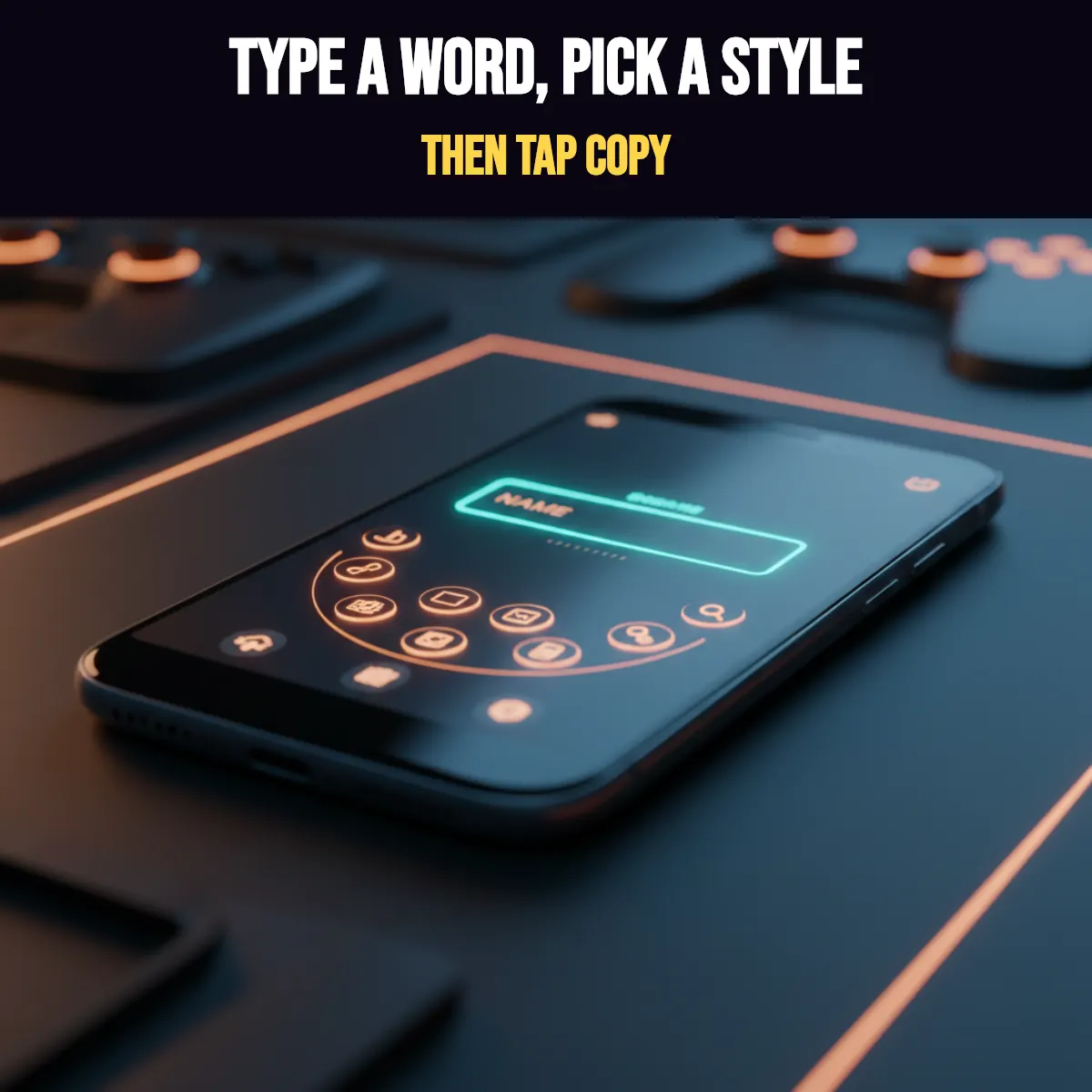
Start on the home page and enter a word. Every style updates at once, and each result shows a Copy button next to the name. Use a short word first, because many styles use more than one character per letter and the Free Fire name box has a length limit.
What each page does
The table lists the main pages of FFNick, what each one is for and what you get from it. The home page is the generator, the best names page is a list ranked by votes, and the symbols page holds single marks you can copy.
| Page | Purpose | Result |
|---|---|---|
| Home | Generator | A copied style |
| Best names | Voted list | A copied name |
| Symbols | Marks | A copied mark |
Paste it into the game
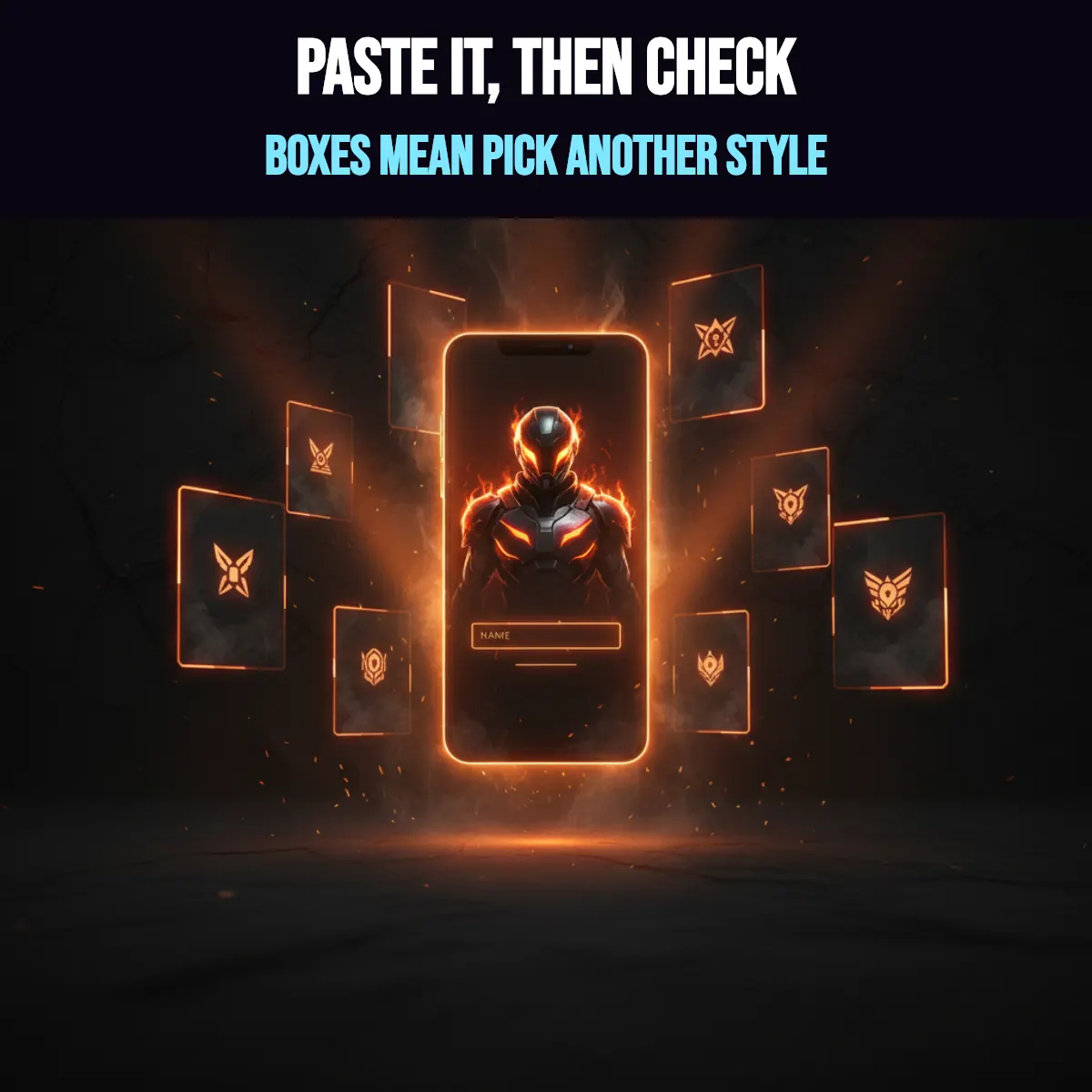
Tap Copy, then paste into the rename box. Open your profile in Free Fire, tap the name, paste the copied text and read the preview before you confirm, because a rename card or diamonds are spent once the change is saved.
| Item | What to know |
|---|---|
| Older devices | Some characters show as boxes |
| Apps that clean text | Some characters are removed on paste |
| Preview | Paste and check before saving |